
Fuel Tracker Tool
Know your fuel costs. Understand your towing economy.
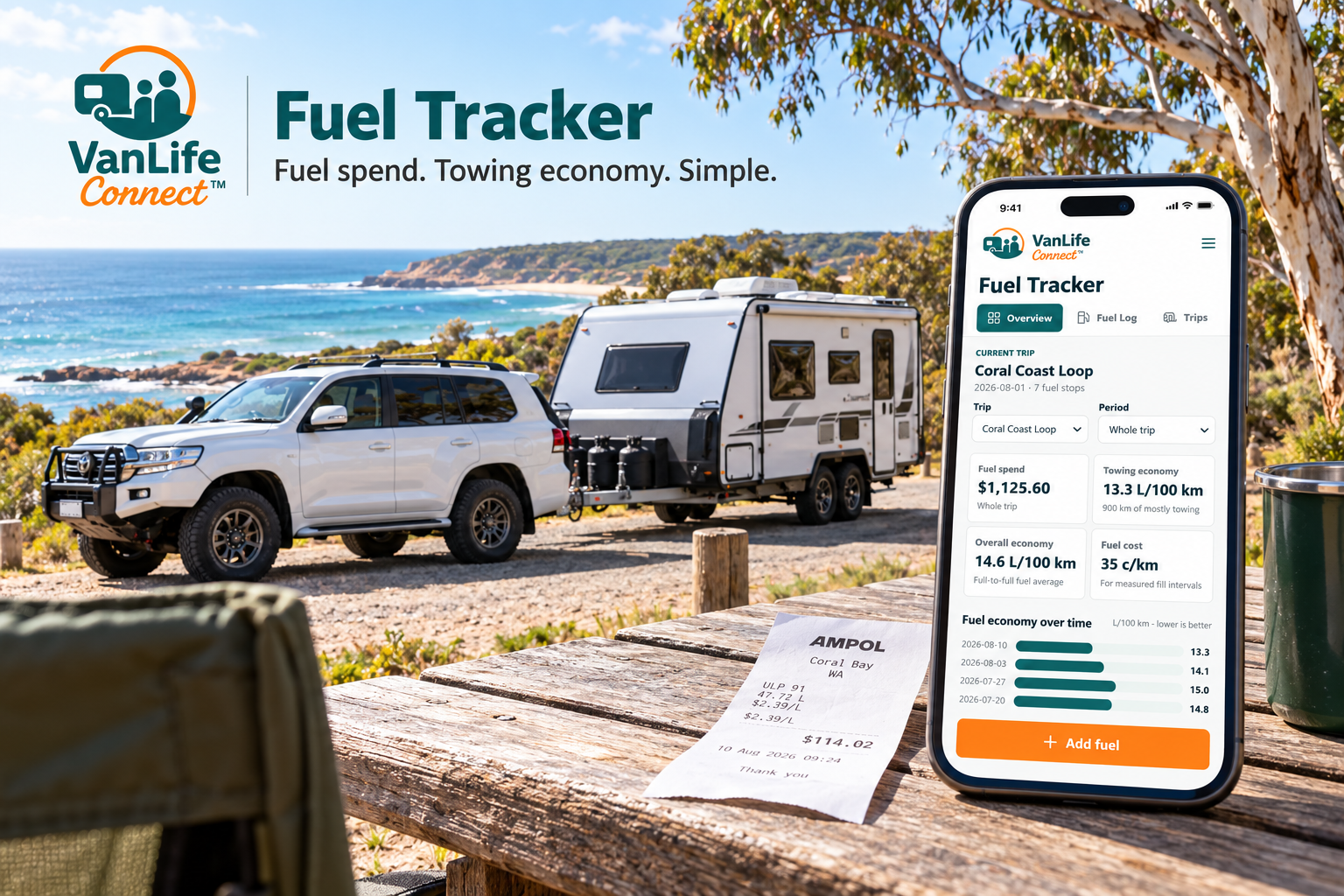
From a weekend getaway to your Big Lap, keep your fuel records in one place. VanLife Connect’s free Fuel Tracker helps caravan, RV and van travellers track trip spending and see how their fuel economy changes over time.
Use it in your browser or add it to your phone’s Home Screen. No account or paid subscription required.
Keep Track
- See your current trip’s total fuel spend.
- Record litres, cost and odometer readings.
- Scan fuel receipts, then review the details before saving.
- Select towing, mixed towing or not towing.
- Compare fuel economy over time.E
- xport your records and download a backup.
Getting Started
- Open the tracker, name your trip in Trips, then tap Add fuel. Enter your fill-up details or scan your receipt. Check the litres, date and fuel-only total before saving.
- For reliable fuel economy readings, record every fuel purchase. Your first full fill establishes a starting point; a later full fill with an odometer reading allows consumption to be calculated. Mark top-ups as partial fills. Missing records can affect the result.
Add to iPhone
First open Fuel Tracker itself, not this information page.
- Open the tracker in Safari.
- Tap Share, the square with an upward arrow. Some Safari layouts place Share inside the page menu.
- Select Add to Home Screen.
- Turn on Open as Web App, if shown.
- Name it Fuel Tracker, then tap Add.
If the option is missing, check Edit Actions in the Share menu. If you opened the link in Edge, use Safari for these steps. Apple instructions
Add to Android
- Open the tracker in Chrome.
- Tap the three-dot menu.
- Choose Install and create shortcut → Install.
- Depending on your version, this may say Install app or Add to Home screen.
- Follow the prompts. Google instructions
Protect Your Records
Your records stay in the browser or installed web app you use. They do not automatically sync between devices.
Use Settings → Download full backup regularly. To transfer records, use Settings → Restore backup on the other device. After installing the Home Screen icon, check your records are present.
Receipt scanning is free and processes images on your device. An initial internet download may be needed. Always review scanned details before saving.